Bring Adobe-grade creation everywhere you build.
Embed Adobe Express in your products, extend it with your own tools, scale it across your organization, or bring it into your AI tools. It’s commercially safe creation without starting from scratch.

How do you want to integrate?
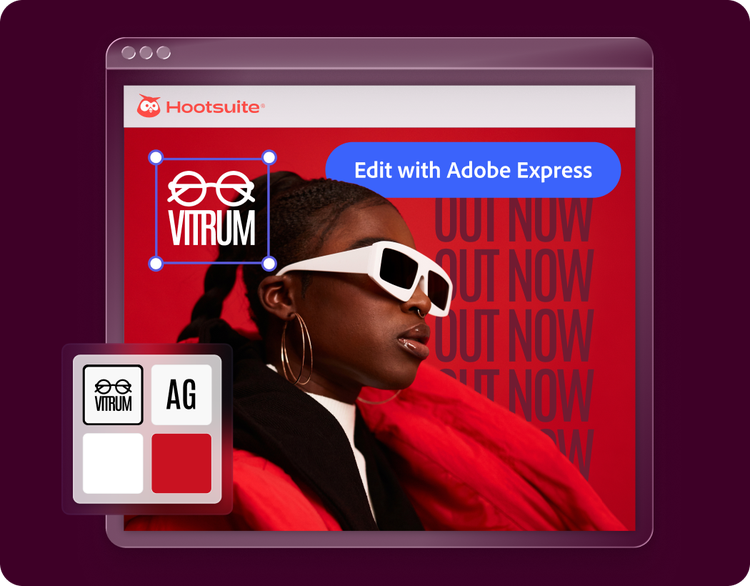
Embed SDKPut Adobe Express design and editing tools inside your product so your customers or teams can stay on-brand and in their workflow. - Configurable for full editing, task-specific modules, or quick actions |
|
In-app IntegrationsCustomize Express. Build add-ons that bring your tools into Express, or connect to your preferred translation services for a deeply integrated experience.
|

|
Express APIAutomate on-brand content production at scale, powered by Firefly Services. No UI required. |

|
Express AI IntegrationsBring Adobe Express capabilities into the AI tools or agents your teams already use or plan to build. |

|
Built for your business goals.


<br><br>Evolve as product expectations change.
Keep your product at the forefront of creation and AI with the latest capabilities that help you differentiate and meet changing customer expectations.
<br>Deepen and grow engagement, across experiences.
Bring creation into the products, workflows, and tools your customers and teams already use, giving them more ways to engage without disrupting how they work.
<br>Innovate without constant complexity.
Focus on what makes your business unique. Integrate, extend, and automate with Adobe to reduce the time and cost of building creative capabilities from scratch.
<br><br>
<br><br>On-brand creation as a layer.
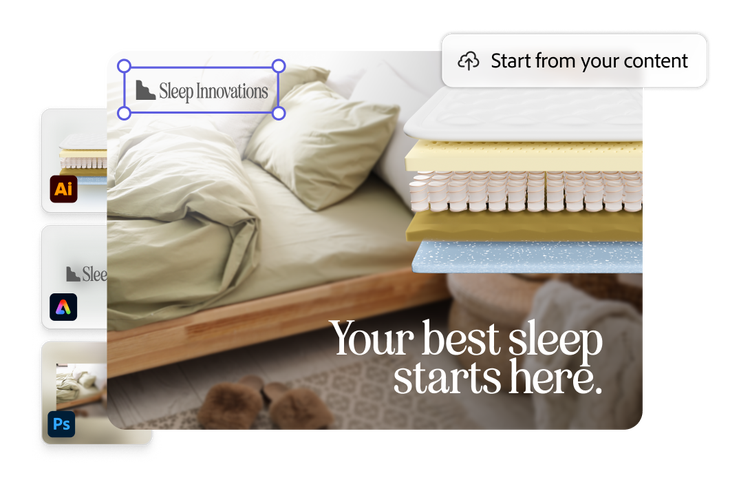
Brand governance keeps your content on-brand, and it works across every Adobe product, just like your other capabilities, files, and assets.<br><br>
Enterprise-grade operations.
Access best-in-class creative tooling, held to Adobe's standards for quality, security, and reliability.<br><br>
Commercially safe AI.
Adobe Firefly is designed from the ground up to be commercially safe, so the content your users generate is safe to ship.<br><br><br>

Trusted by partners at scale.






Frequently Asked Questions
What’s the Embed SDK and how is it different from add-ons?
The Embed SDK lets you embed customized Adobe Express experiences inside your website or application. It’s the right choice when you want your users to stay in your product while using Express-powered editing or creation features.
Add-ons are different: They run inside Adobe Express and extend the Express experience itself. They’re the right choice when you want to add new workflows, integrations, or functionality for users already working in Express.
How much time does it take to integrate the Embed SDK?
There isn’t a single fixed timeline because it depends on your implementation scope. A basic proof of concept can usually start quickly, but for a full, production-ready version, eight weeks is a realistic estimate in many enterprise implementations.
How do I access the Express APIs?
If you're already a Firefly Services customer and your administrator has provisioned you, you can create your credentials in the Adobe Developer Console
Is the AI commercially safe to use?
Yes. Adobe’s native Firefly models are designed to be commercially safe for business use because they’re trained on licensed content and public-domain content, where copyright has expired. As with any creative workflow, teams should still review outputs before final use.
Does it work with our SSO, and can we control who has access to what?
Yes. Adobe enterprise identity supports Federated ID / Single Sign-On, and admins can manage access through Adobe Admin Console.
How is our data secured and handled?
Adobe provides enterprise-grade identity, admin, and security controls through Adobe Admin Console and related trust documentation. For Firefly-powered AI features, enterprise user content isn’t used to train Firefly foundation models. You can learn more about Adobe’s approach to privacy here and how we develop and use AI responsibly.
Do I need to request access to build Translate Connectors?
If you're a developer with a personal Adobe account, you will need to request access before you can use the connector playground or submit a connector. If you're a developer with an enterprise account, you can start building right away and only need to request access to publish publicly.
Does Express have an MCP server?
Yes. Adobe Express has an MCP server that can surface Adobe Express add-on documentation and TypeScript definitions inside MCP-compatible IDEs and coding assistants.
Pick a path to start building or talk to our team about an enterprise use case.
